Article
Buy Website Domain Checklist Before You Register
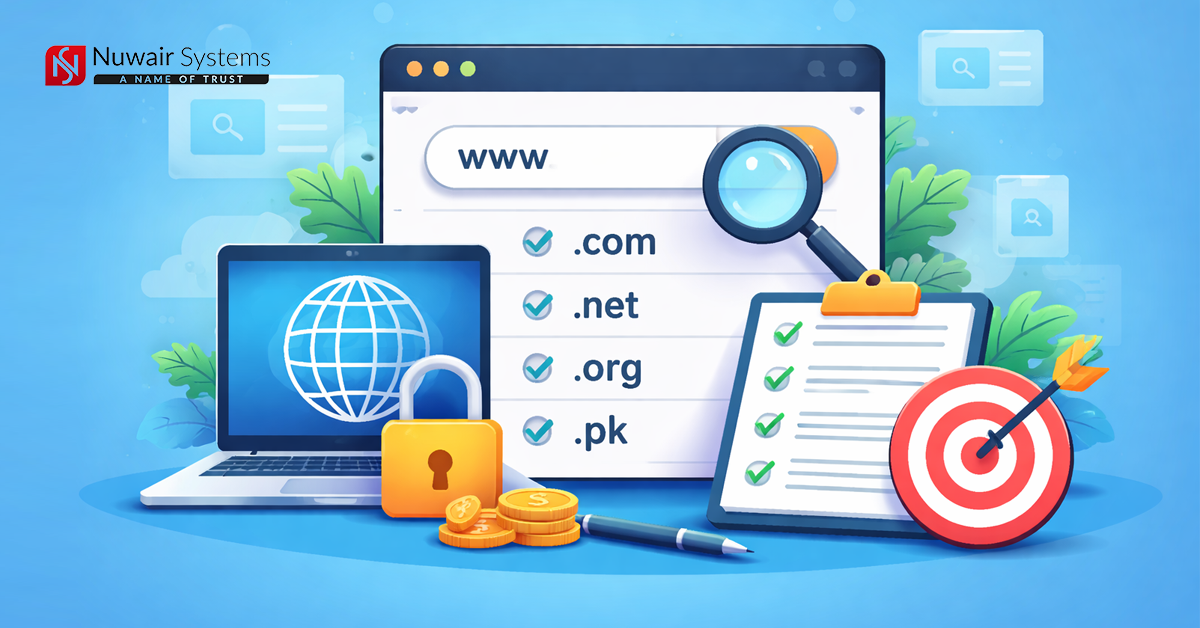
In today's era, the Internet has become an important part of our lives. Many people want to start an online business, create a blog or create their own company website. The first and most important step to start any website is to buy a domain name. A domain is actually the name of your website that people type in their browser to reach your website.
But many people buy a domain in a hurry and later they have to face various problems. Therefore, it is important to check some important things carefully before buying a domain. If you make the right decision at the beginning, your website will benefit in the future.
Choose a simple and short name
The domain should always be one that is easy and easy to remember. If your domain is too long, people will find it difficult to remember it. Apart from that, if the name is difficult, people may also make mistakes while writing it.
Try to keep your domain short, clear and simple. For example, if your website is about a particular topic or business, keep a name similar to it. This way, people will immediately understand what your website is about.
Avoid using words that are difficult to spell
Avoid using words in the domain that are difficult to spell. If the word is difficult, people will not be able to spell it correctly. In this case, they will not be able to reach your website.
Always use common and simple words. Choose words that are used in everyday life and that everyone can easily understand.
Choose the right domain extension
The part that comes at the end of the domain is called the domain extension. For example, .com, .net, .org, etc. The most widely used extension worldwide is .com.
Most people consider .com domains to be more reliable, so if possible, try to get a .com domain first. If it is not available, you can also use other extensions like .net or .org.
If you are creating a website for a specific country, then the extension of that country can also be used, such as .pk for Pakistan.